Digital hygiene: how to stop WhatsApp from cluttering your phone storage
The WhatsApp messenger often automatically saves media files to device storage, quickly using up available space. Adjusting a few settings can help keep your phone organized.
 🎓Education
Photo: UNIAN
Key points
- WhatsApp automatically downloads media to phone storage
- Media files can consume up to 10GB of space
- Settings can disable automatic file downloading
- Built-in tools help quickly clean up unwanted data
Mobile devices with 64GB or 128GB of storage frequently face space limitations. A major contributor to this issue is WhatsApp, which automatically saves incoming content directly to the phone's gallery. Photos, large videos, and documents can silently consume between 2GB and 10GB of internal storage, leaving little room for updates or new pictures.
How to optimize your storage settings
Both Android and iPhone users can easily prevent this uncontrolled accumulation through built-in settings. Disabling automatic media downloads means that incoming pictures and videos will appear as blurred previews, allowing users to choose which files are actually worth downloading to the device.
If the smartphone's memory is already full, users can utilize the messenger's built-in analysis tool. The application automatically sorts chats and identifies the largest video and image files, allowing people to quickly clear out unwanted clutter and keep only what truly matters.
Source UNIAN — unian.ua/techno/communications/yak-zvilniti-do-10-gb-na-smartfoni-p… ↗
Read next
 🎭Culture & Sport
Unique 9-kilometer-long European village preserves medieval layout
The Polish village of Suloszowa has amazed visitors for seven centuries with its unique architectural structure, featuring houses lined up along a single road.
 🧠AI Analysis
Polish Investigators Reveal Details on Fallen Russian Kh-101 Missile
Polish authorities identified wreckage from a recently manufactured Russian Kh-101 cruise missile that exploded mid-air before hitting the ground.
 🚨Events
Famous singer Miley Cyrus marries for the second time: Details of the intimate ceremony
American pop star Miley Cyrus has officially tied the knot with musician Max Morando. The wedding took place in California at an iconic historic estate.
 ⚽Sport
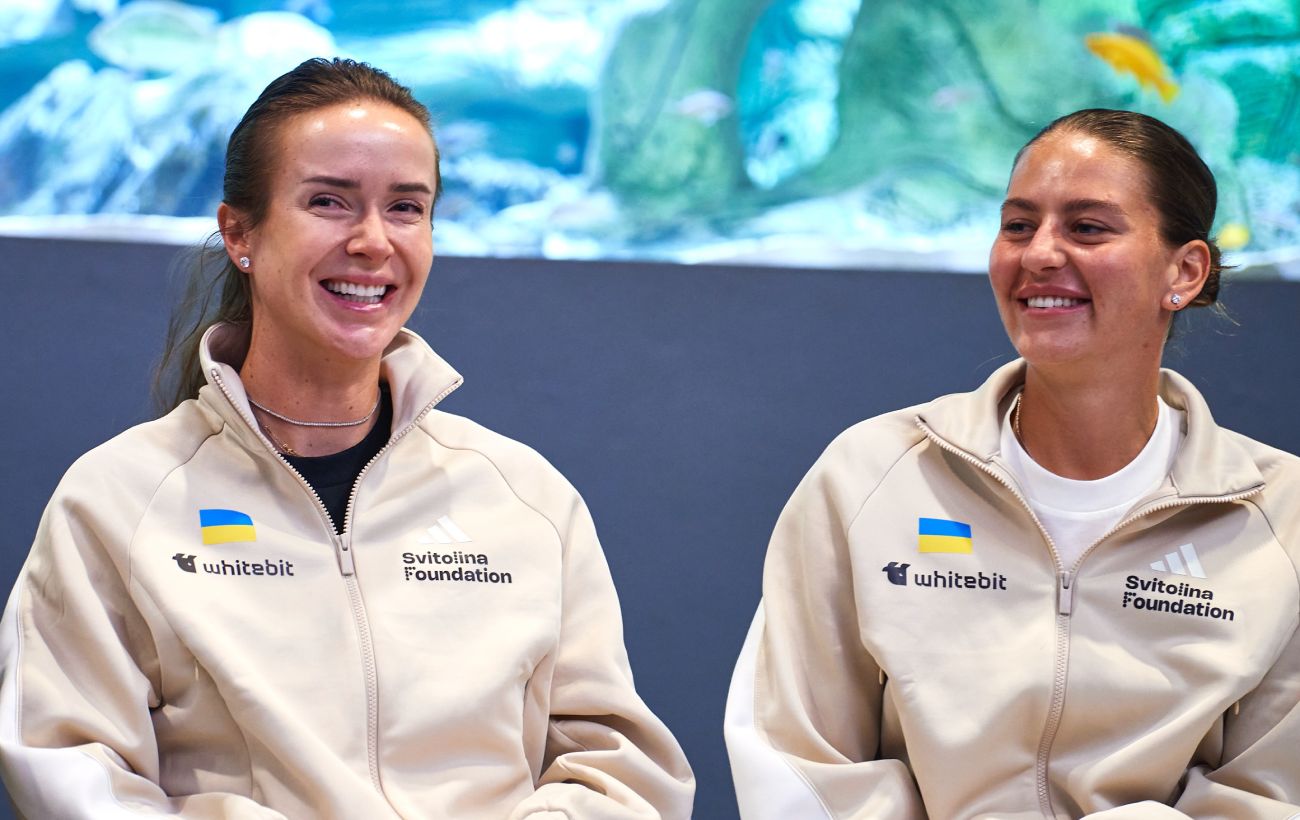
Elina Svitolina and Marta Kostyuk Nominated for Prestigious WTA Season Awards
Leading Ukrainian tennis players Elina Svitolina and Marta Kostyuk have been named nominees for the Women's Tennis Association annual awards.
 🛡️Security
Russian forces launch four drone strikes on Zhytomyr region energy infrastructure within a day
Over the past 24 hours, Russian forces carried out four drone attacks targeting energy facilities in the Zhytomyr region. Local authorities report that repair crews are w…
 🏛️Politics
Slovakia Refuses to Join New €45 Billion EU Loan for Ukraine
Slovak Prime Minister Robert Fico announced that his country will not participate in the European Union's new financial assistance package for Ukraine.